The product is the hero
The real app screen sits in the first viewport, inside a TV-style card you can steer like a remote, next to the promise: 'You bring the playlist. We built the player.' No stock imagery, no abstract hero.
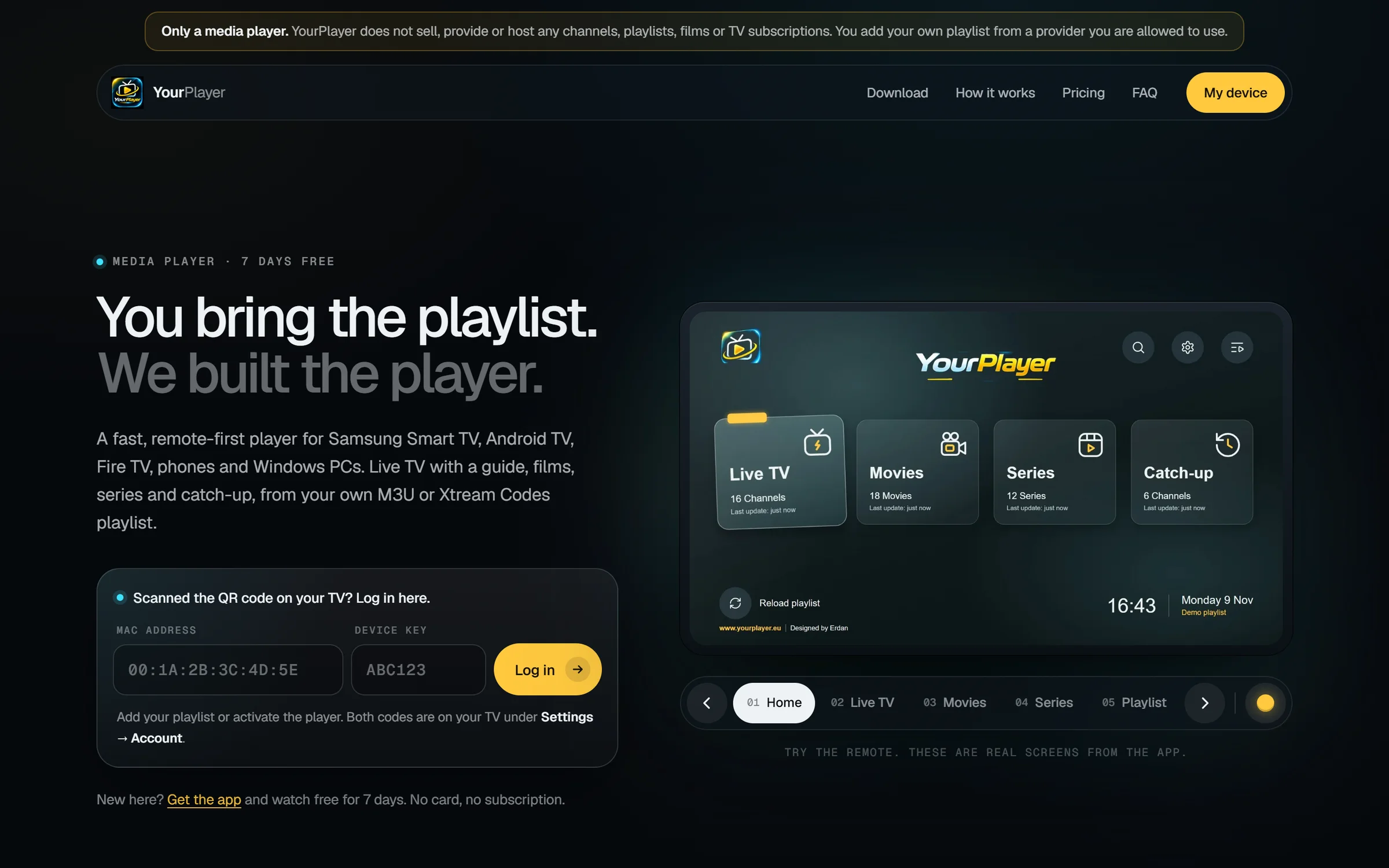
The home of a media player: product story, device pairing, pricing and support in one calm interface.
YourPlayer is a media player for Smart TV, Android and Windows. It is a player only — you bring your own playlist. The website has to make that clear, teach people how to add one, and give owners a way to manage their device.
Newcomers need to understand the idea quickly. Owners need to reach their device without searching. The site serves both without feeling like two sites.
It also carries the product's honesty: a media player does not provide content, and the page says so — in a notice above the header, in the FAQ, in the footer and in the way the hero is written.
A hero and three-step explanation that turn a technical idea into something anyone can follow.
A near-black ground, one amber accent and rounded surfaces shared with the app.
Download by platform, log in with MAC address and device key, add a playlist three ways.
Plain-language instructions, example values instead of jargon, and an FAQ that answers real questions.
The choices that shape how it looks, reads and behaves — and the reasoning behind them.
The real app screen sits in the first viewport, inside a TV-style card you can steer like a remote, next to the promise: 'You bring the playlist. We built the player.' No stock imagery, no abstract hero.
'Log in to my device' sits beside the headline: a MAC address and a device key — the two things shown on the TV. Owners reach their account in seconds, and newcomers see exactly how a device is identified.

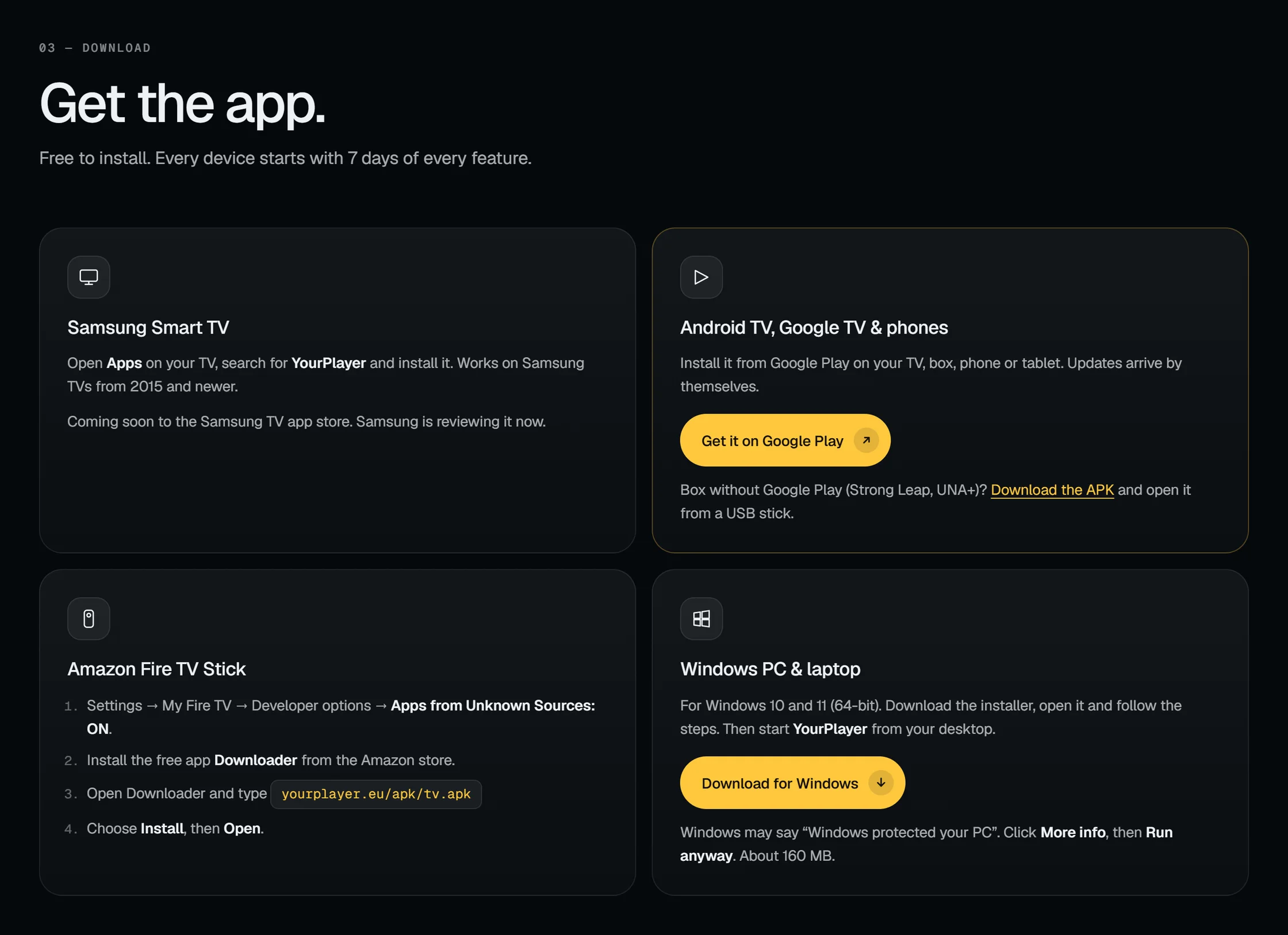
Four cards cover Samsung Smart TV, Android TV, Google TV and phones through Google Play, Amazon Fire TV and Windows PCs, each with the instructions for that platform and an honest status — the Samsung version is marked as coming soon while it is in review.
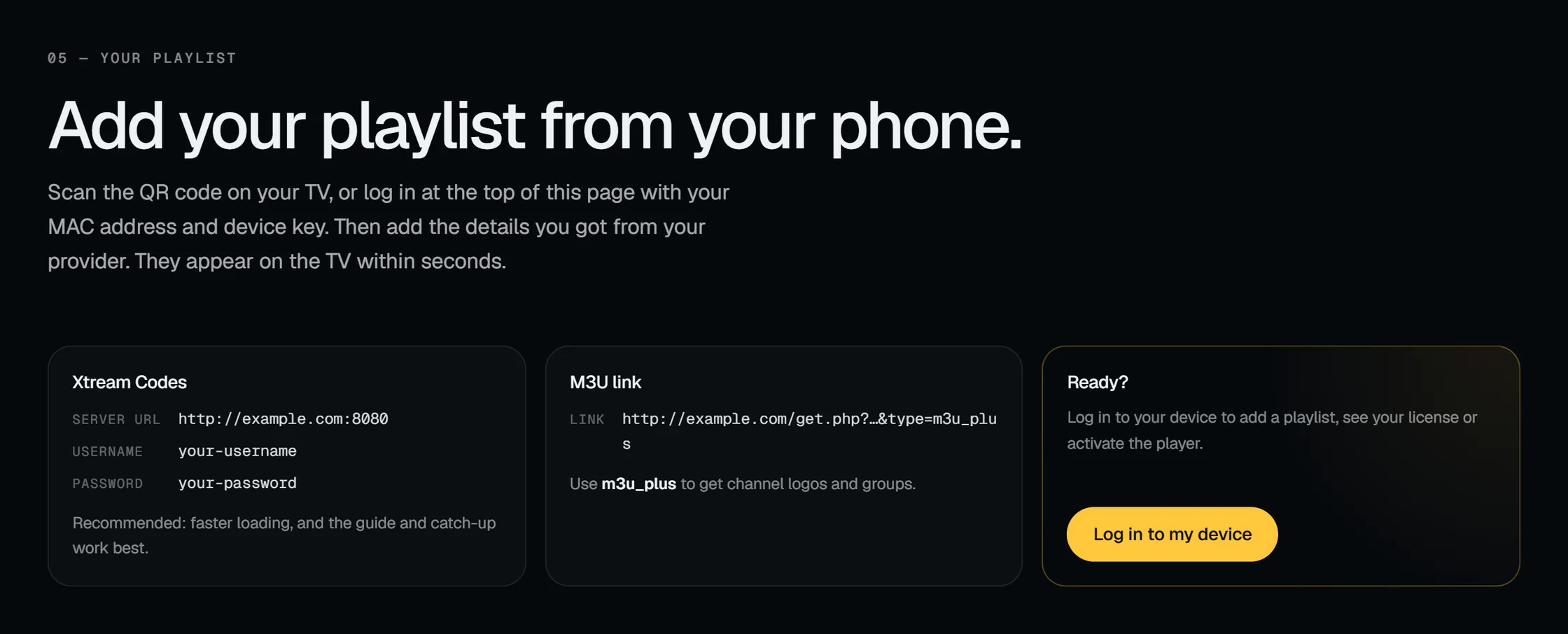
Install, add your playlist, watch. Beneath it, two option cards show what an Xtream Codes login and an M3U link look like, using example values so nobody has to guess.
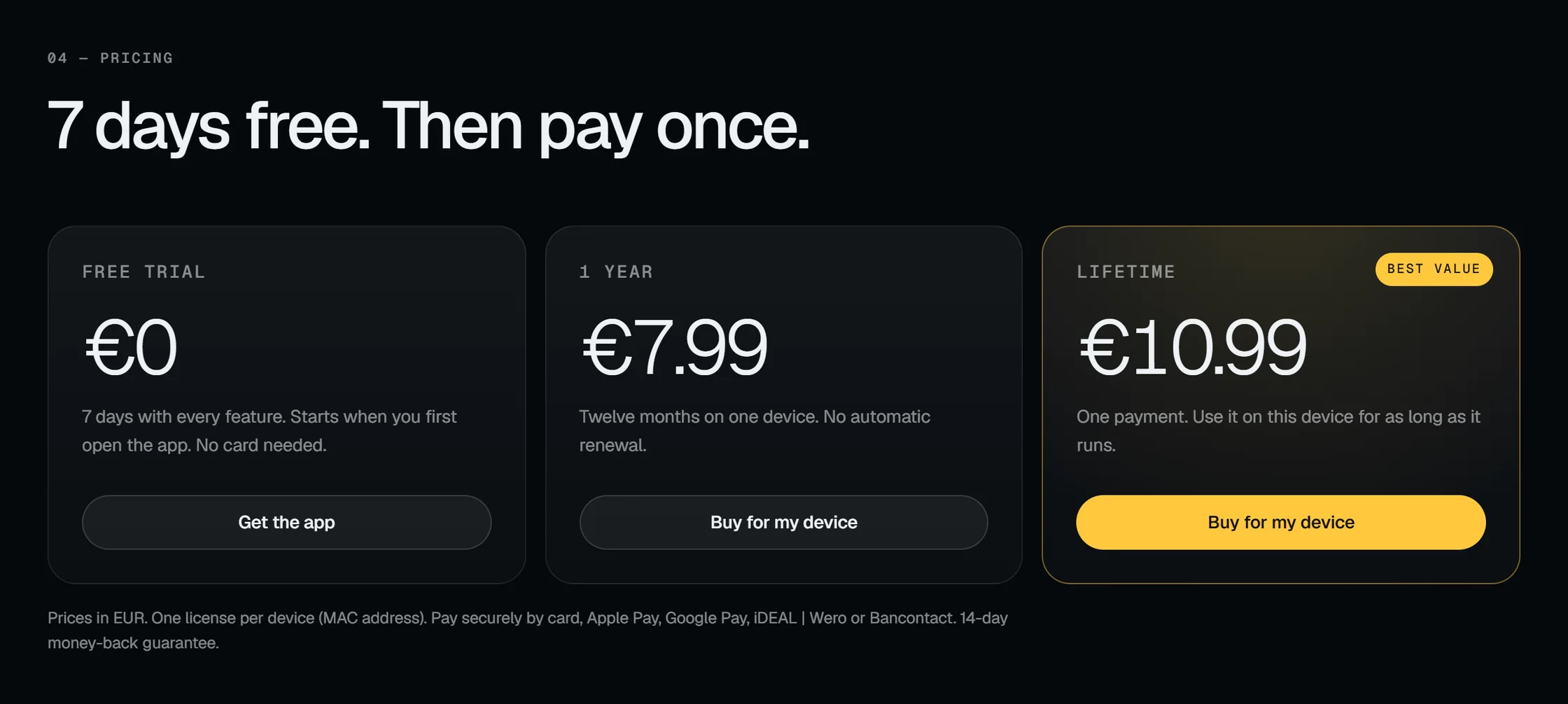
Seven days free, then a one-year licence (€7.99) or a lifetime licence (€10.99) for one device. One highlighted plan, one line about payment methods and the 14-day money-back guarantee, and nothing hidden underneath.
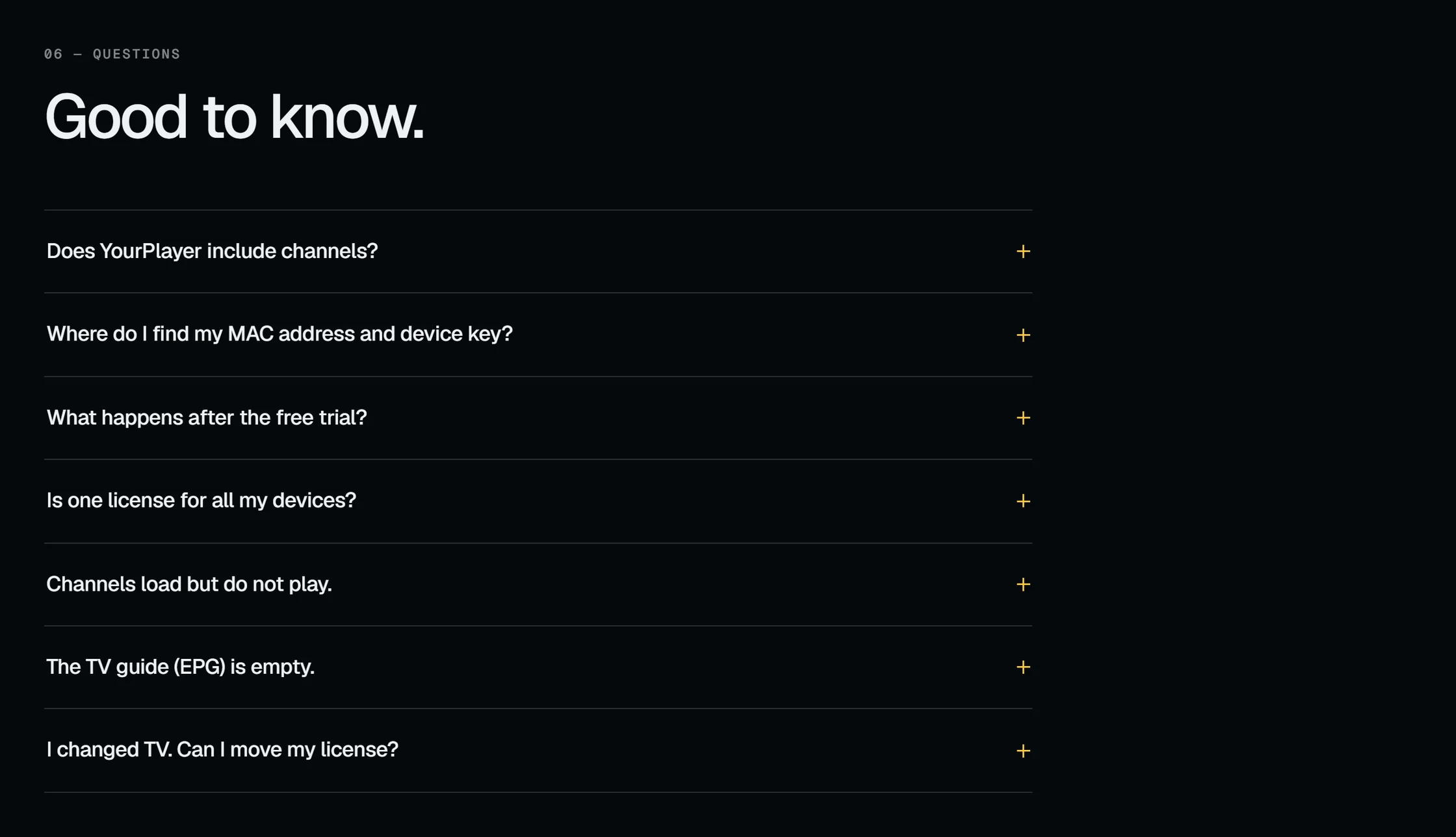
'Only a media player' is the first line on the page, above the header. 'Does YourPlayer include channels?' is the first question in the FAQ, and the answer is a plain no. The same sentence closes the footer. Saying so clearly protects the product and the people who use it.
The website is part of the product: it is where the player is installed, paired and licensed.
Download by device, with platform-specific instructions.
On the TV, with a phone via QR code, or on a computer.
Live TV, TV guide, movies, series and catch-up.
After the free trial, scan a QR code, choose a plan, and the app unlocks.
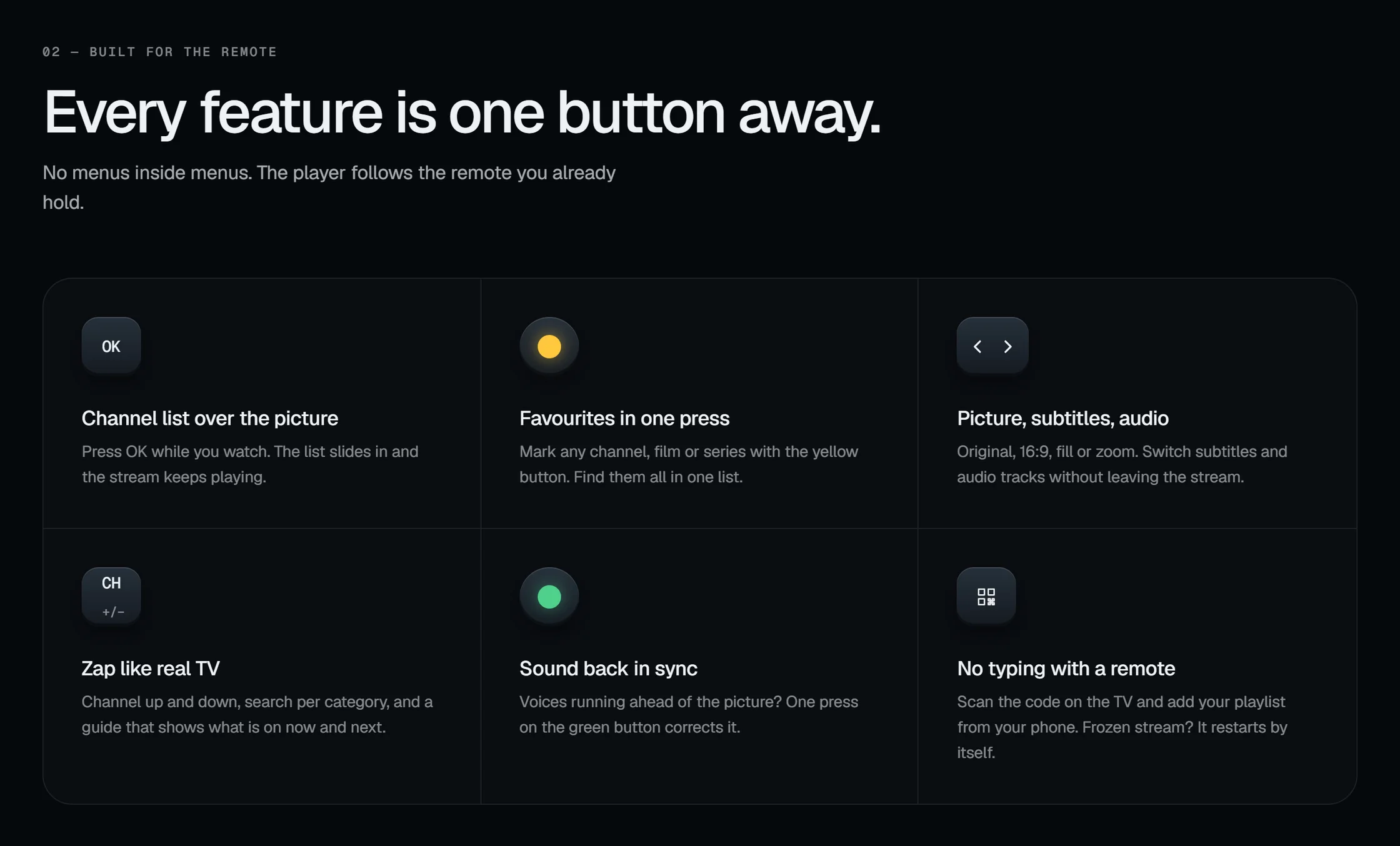
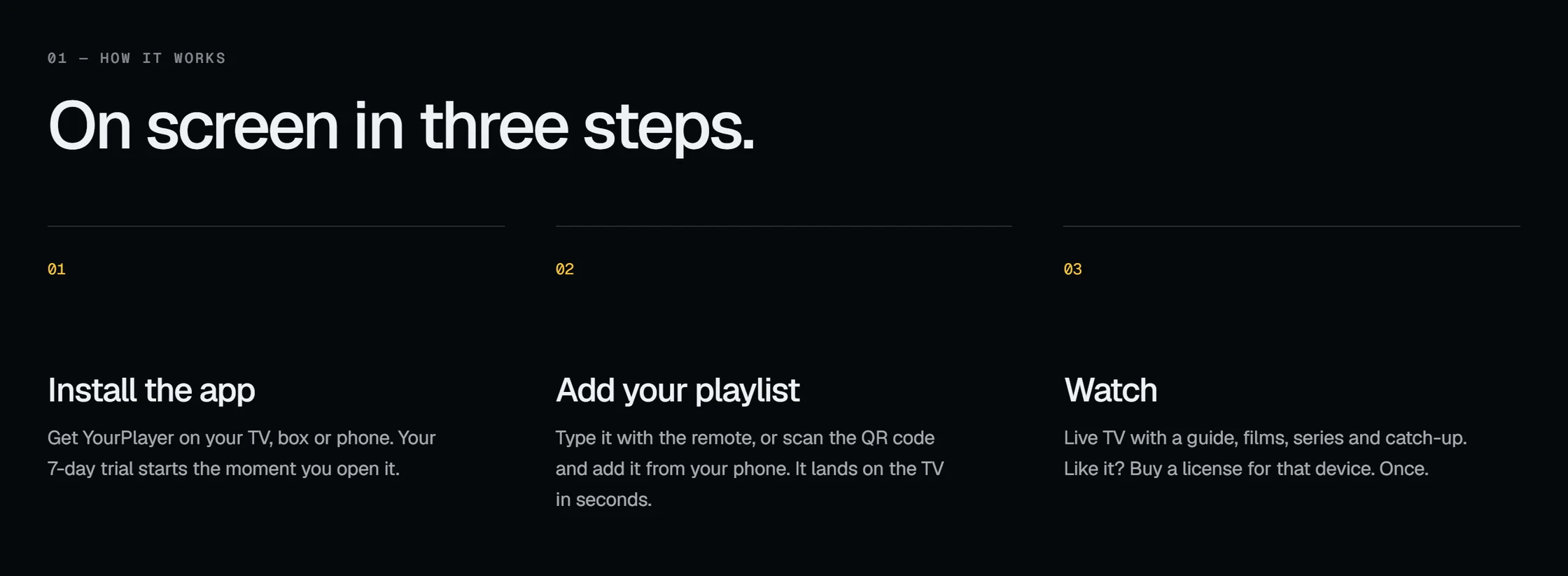
Read from the live site — nothing here is assumed.
The other half of the ecosystem: the application itself, designed to be read from across the room.
Tell me about your project — what it is, who it is for and when you would like it live. I will reply personally.
Start a conversation